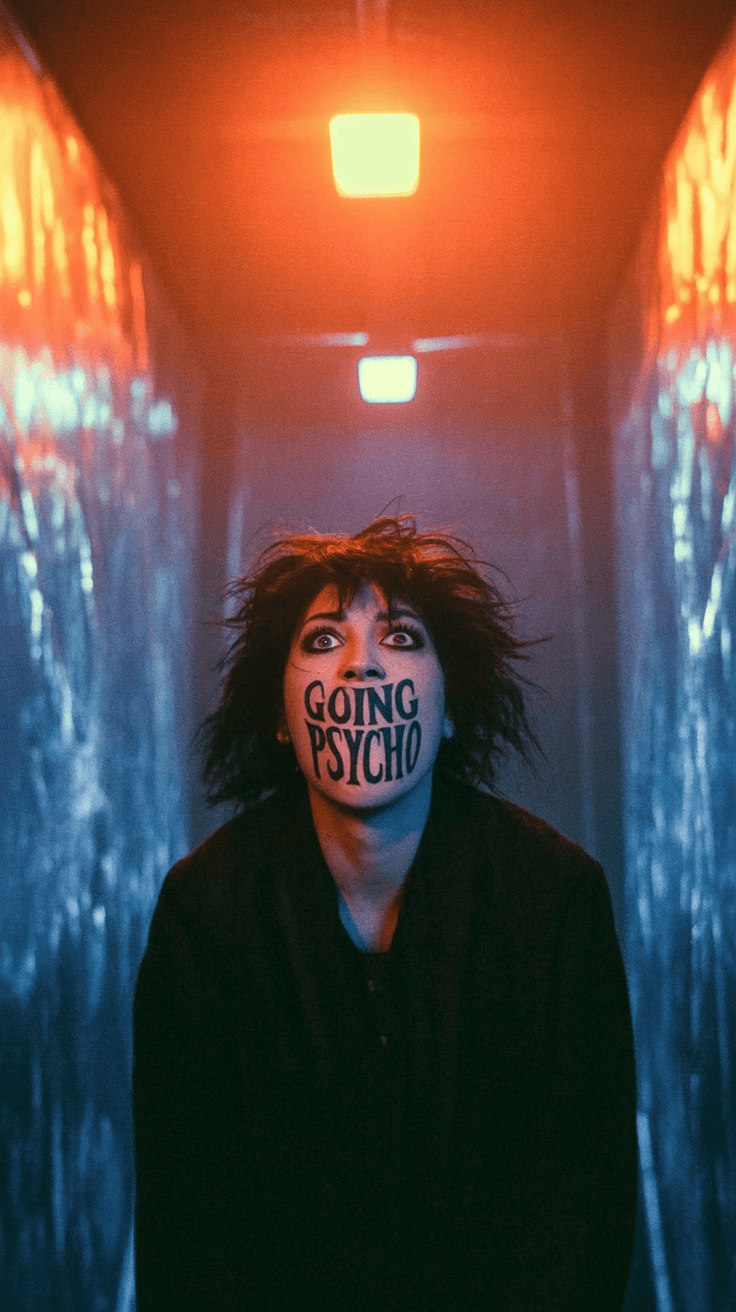
Precise lyric timing
Align words to the vocal instead of guessing. Edit timing at line, phrase, and word level before export.
TheAIStudioPro / Lyrics Module
Turn a track into a stylized lyric video with AI storyboards, vivid frames that already include the lyrics in-scene, precise timing, and local DepthFlow motion on your Mac.
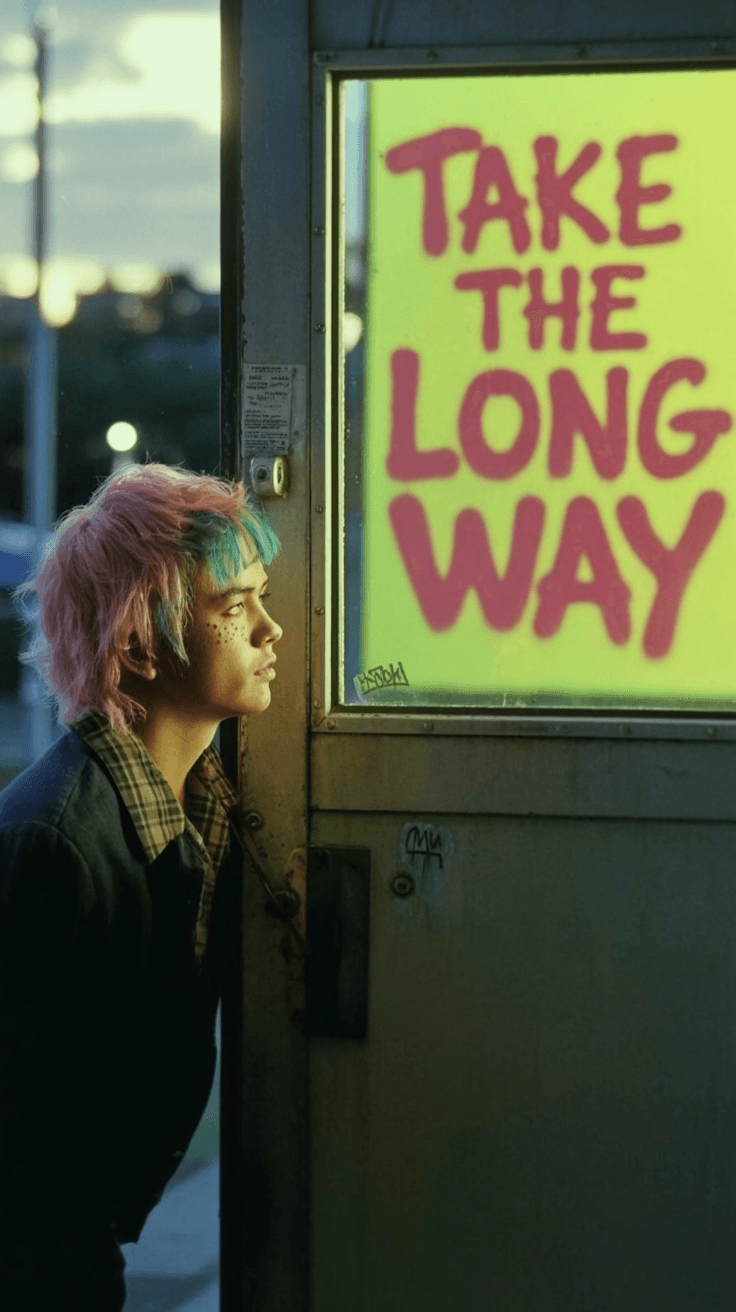
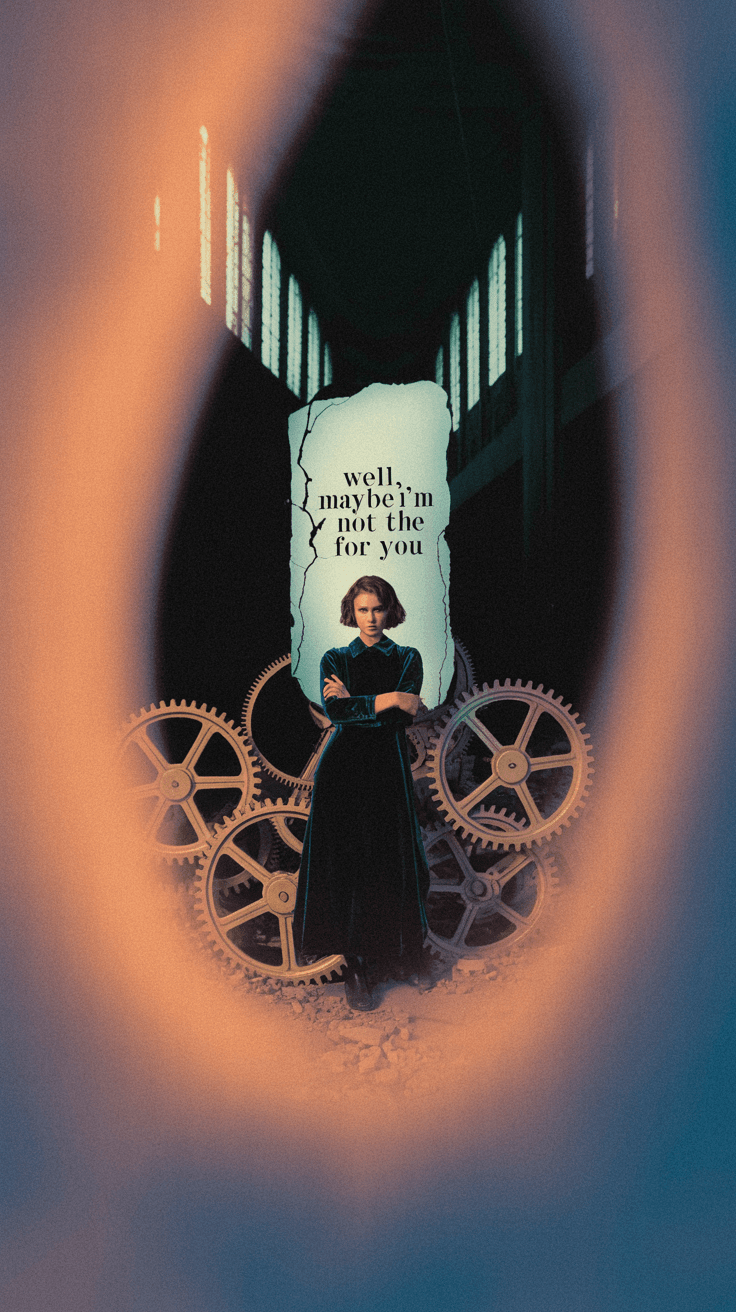
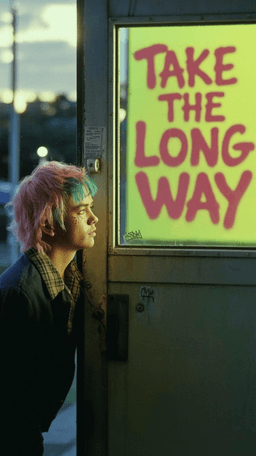
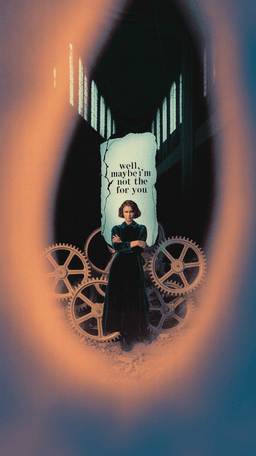
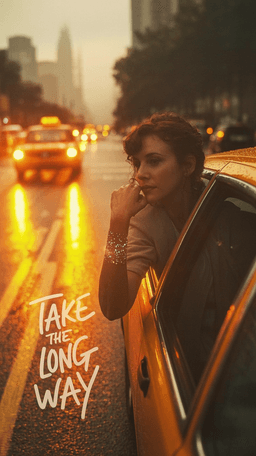

Align words to the vocal instead of guessing. Edit timing at line, phrase, and word level before export.

Generate storyboards and frames with fal.ai while keeping characters, mood, palette, and exact in-scene lyric text consistent.
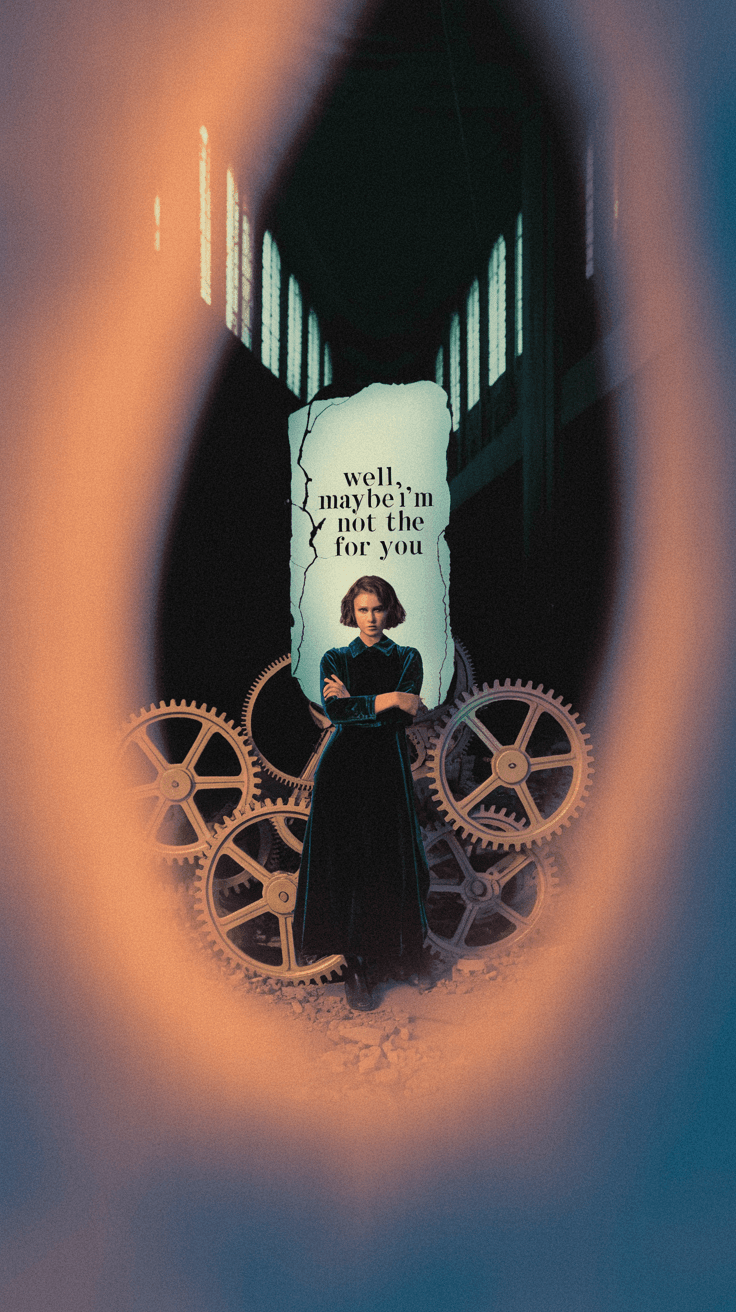
Carry locations, props, faces, and symbols across scenes so the video feels directed, not randomly generated.
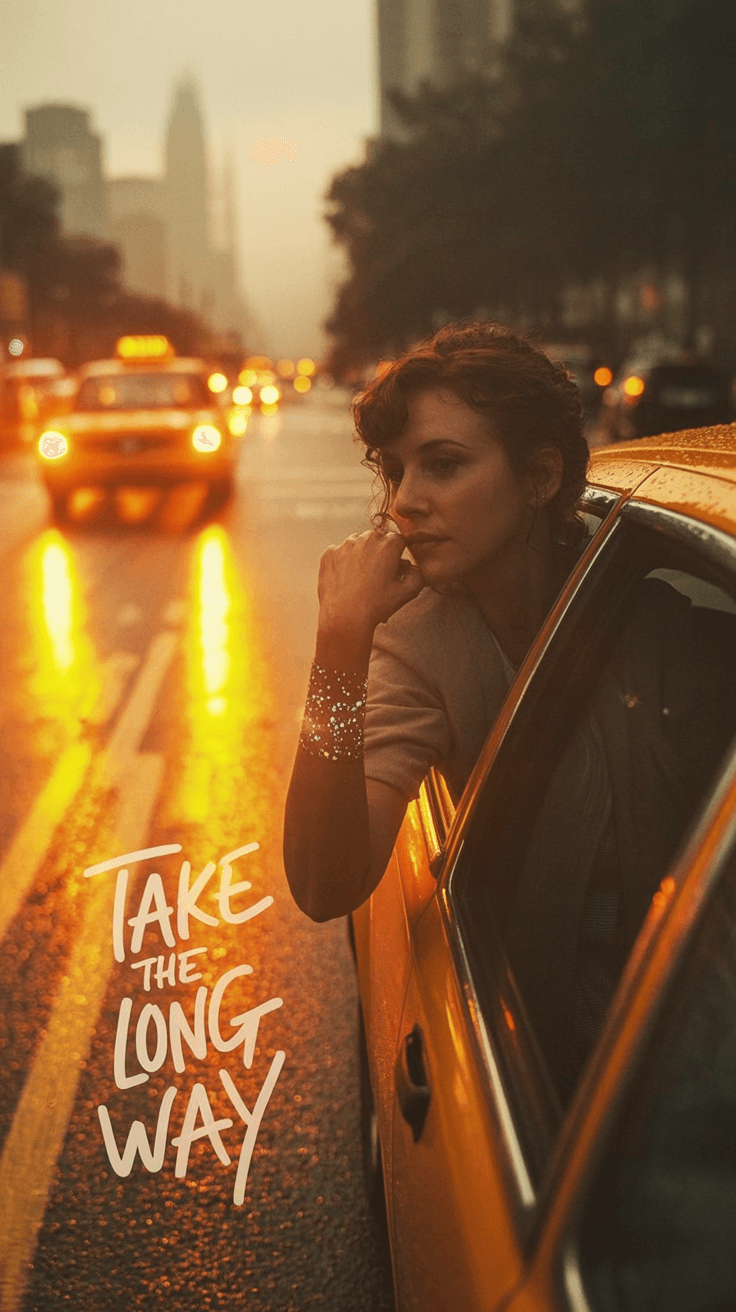
Render depth-based motion locally on your Mac, with restrained camera moves that keep the frame cinematic.
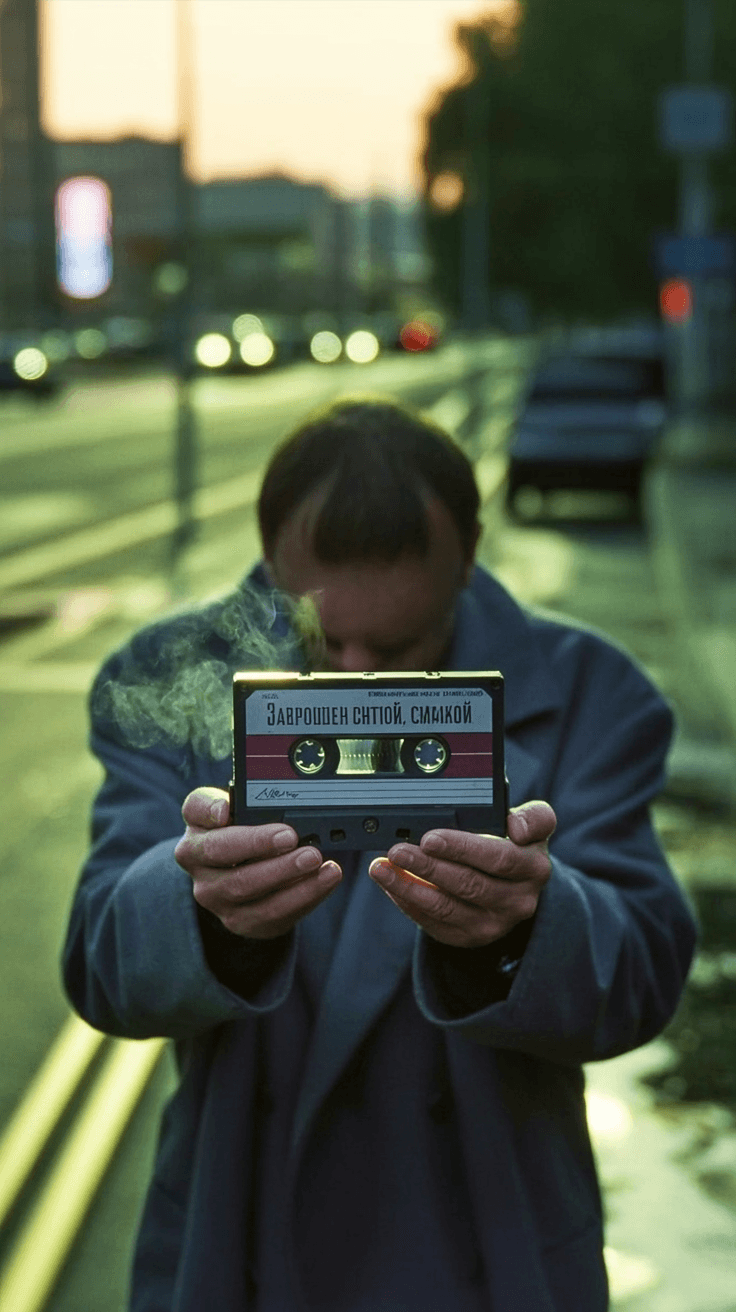
Tune camera push, depth layers, reference characters, lyric surfaces, scene prompts, and export settings without rebuilding the project.
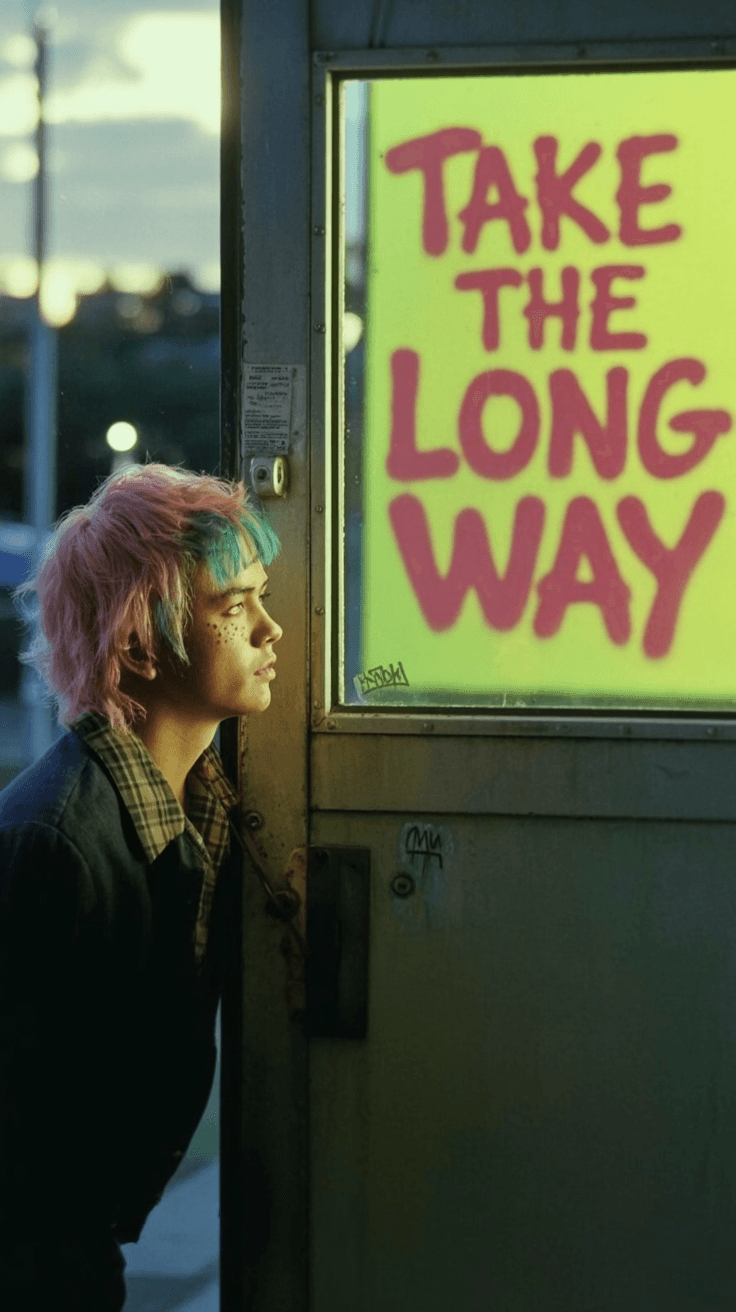
Create vertical, square, and widescreen lyric videos for YouTube, TikTok, Reels, release campaigns, and label review.
From song to story
Drop in audio, optional lyrics, artist context, and visual references.
The module builds a scene-by-scene storyboard around the song.
Local DepthFlow turns still frames into layered motion clips.
Verify generated frames already contain the right lyric text in the scene.
Regenerate a scene, fix timing, adjust motion, or change type.
Render final video with the original audio and platform presets.
Native macOS app
The Lyrics Module runs as a native macOS workstation app. fal.ai handles cloud storyboards and lyric-embedded frame generation, while DepthFlow rendering, timing review, preview, and export run locally.
Learn. Create. Ship.
The user guide explains the complete product loop, from first import to final export, so artists and teams understand the tool before downloading.
Open the User Guide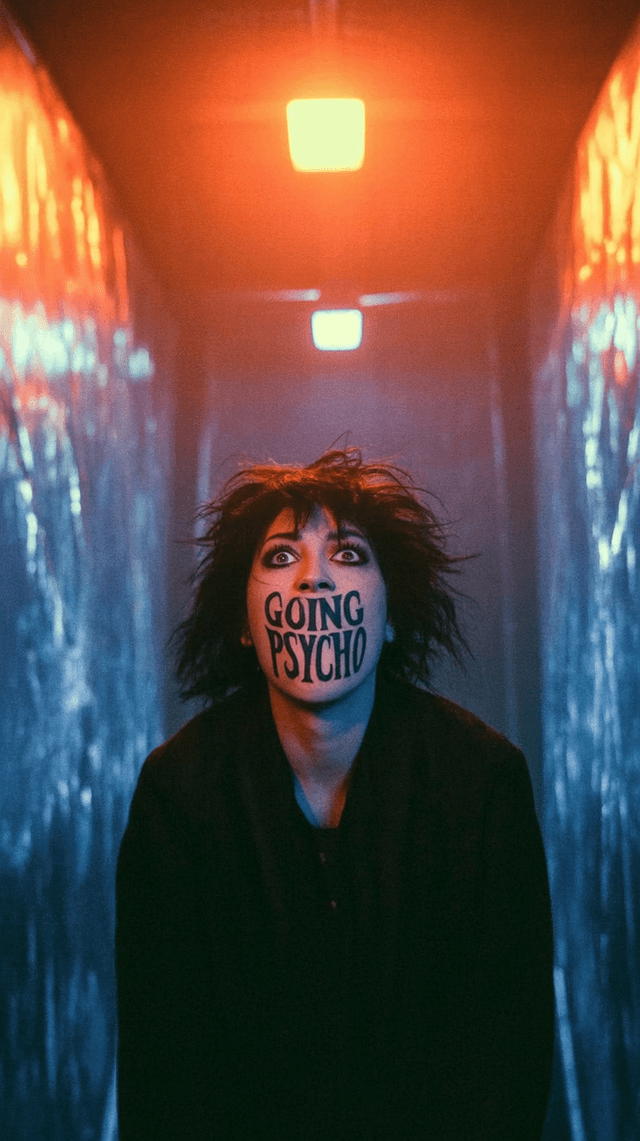
Create your first project, import a song, and choose a visual direction.

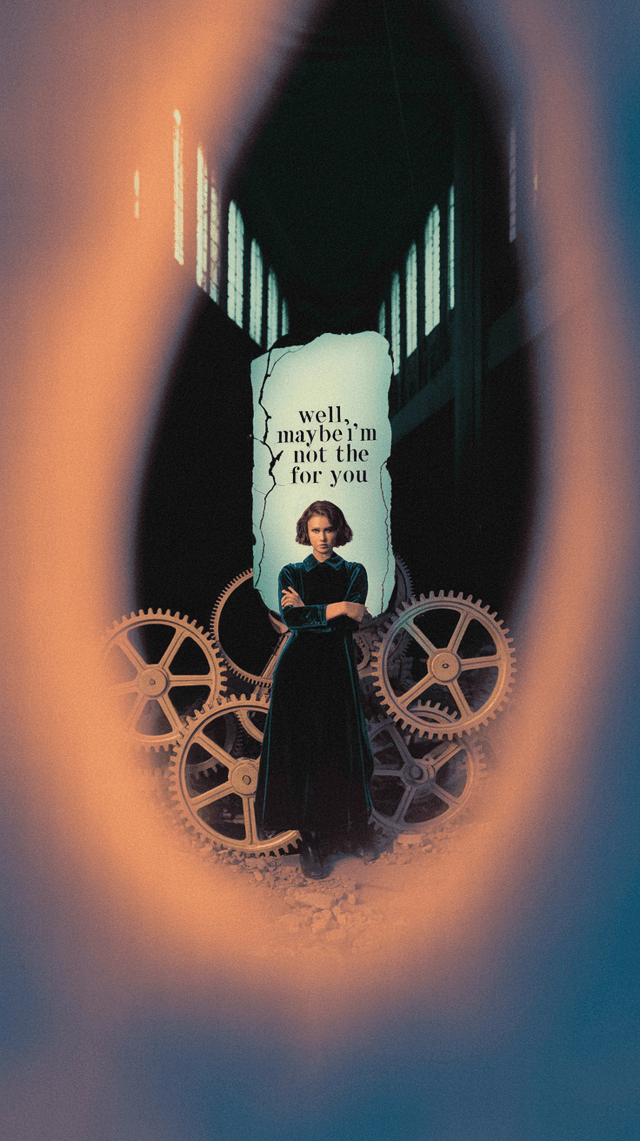
Use references and prompt controls to build a coherent world.
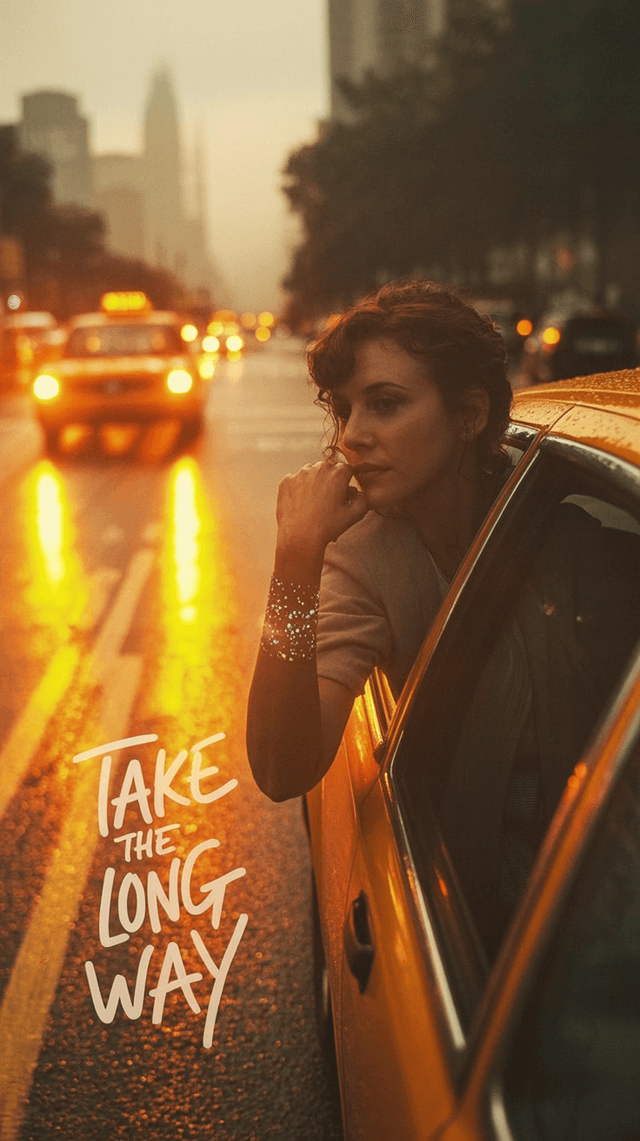
Set movement intensity, camera style, and parallax layers.
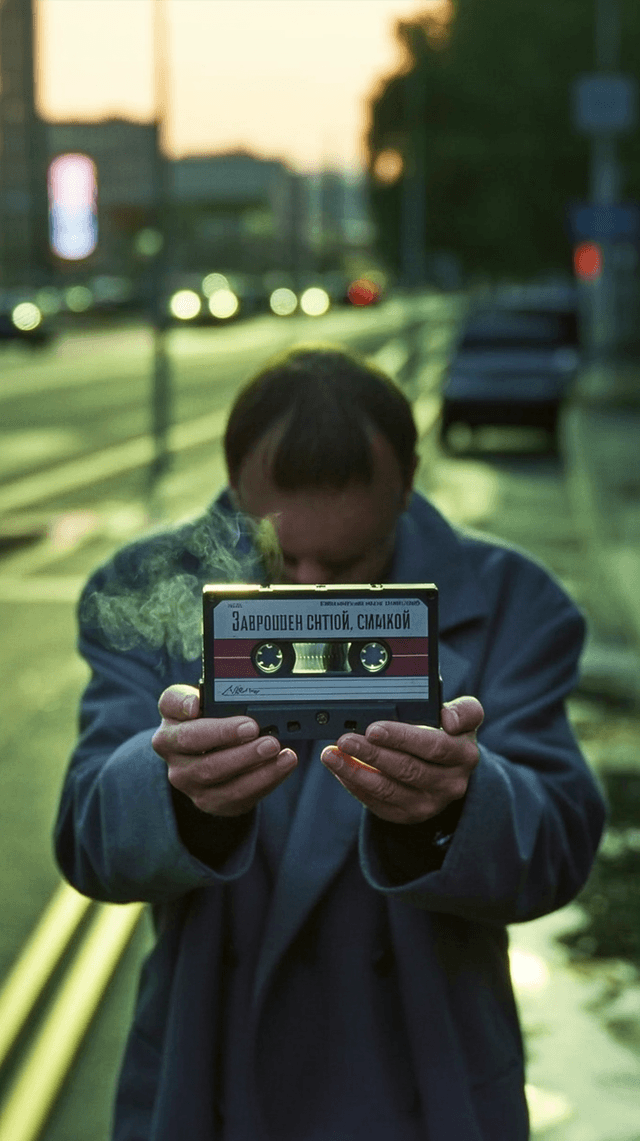
Make lyric text feel designed into the generated frame.
Choose codecs, resolution, frame rate, and social platform formats.
Only for fal.ai storyboard and frame generation. Timing review, DepthFlow motion, preview, and final rendering are local.
macOS 13 or later on Apple Silicon is the target. Intel support is not planned for the first release.
Project files, audio, timing edits, renders, and exports stay on your Mac unless you send prompts or source assets to fal.ai for lyric-embedded frame generation.
It lets you control your own generation credits and pay Fal directly. Lyrics Studio stores the key in macOS Keychain and does not add a percentage to Fal's generation cost.
The planned renderer supports MP4/H.264/H.265 up to 4K, with platform presets and custom settings.
Yes. Import custom fonts, images, video clips, references, and logo assets. Fonts guide generated in-scene text rather than a required final subtitle overlay.